Nakan GP Tools
Small things that make drawing in Grease Pencil feel closer to Photoshop: flip the canvas, mirror strokes, select by layer.
When I animate frame by frame in Grease Pencil, I miss basic things I'm used to in Photoshop: flipping the canvas to check the drawing, mirroring, selecting by layer. So I made these. They live in the 3D View Sidebar (N) > Nakan GP.
Download
Also on GitHub, with the source code and every release.
To install: Edit > Preferences > Add-ons > Install from Disk, pick the .zip and enable it.
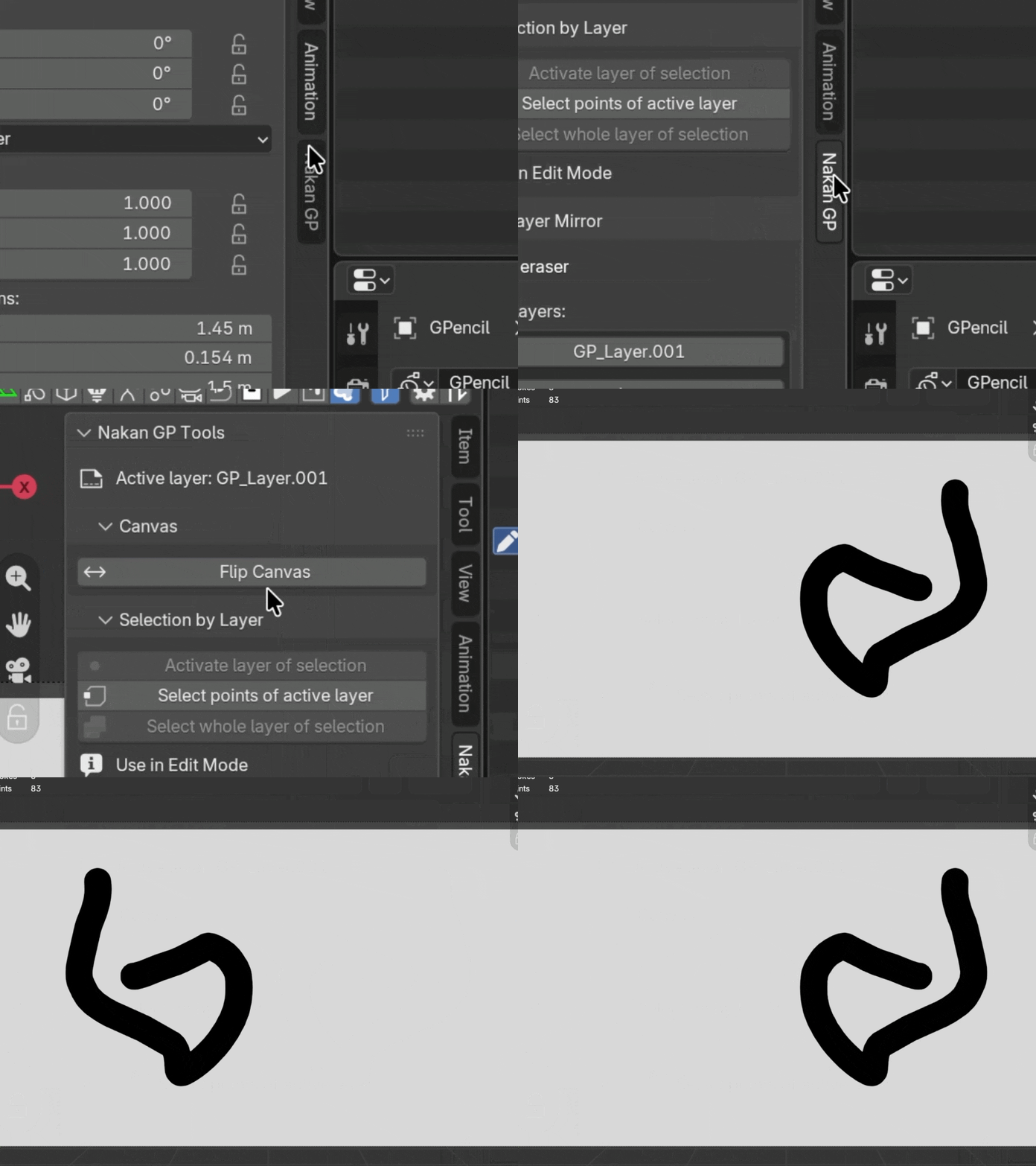
Flip canvas. Flipping the drawing is the quickest way to catch proportion mistakes. In my setup the Grease Pencil is parented to the camera, so flipping the view doesn't help. This flips the object itself, so it works there too. Click again to flip back.
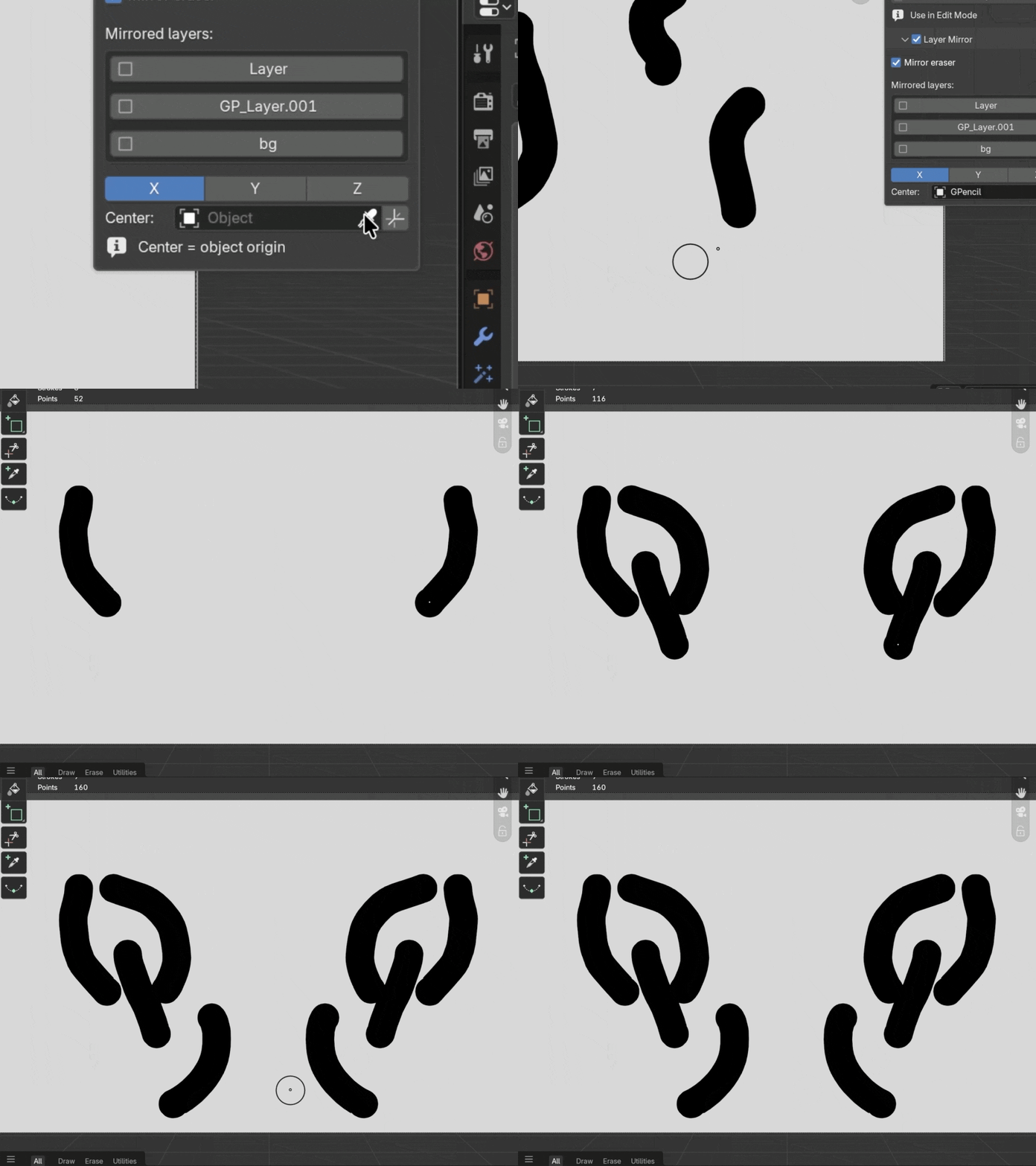
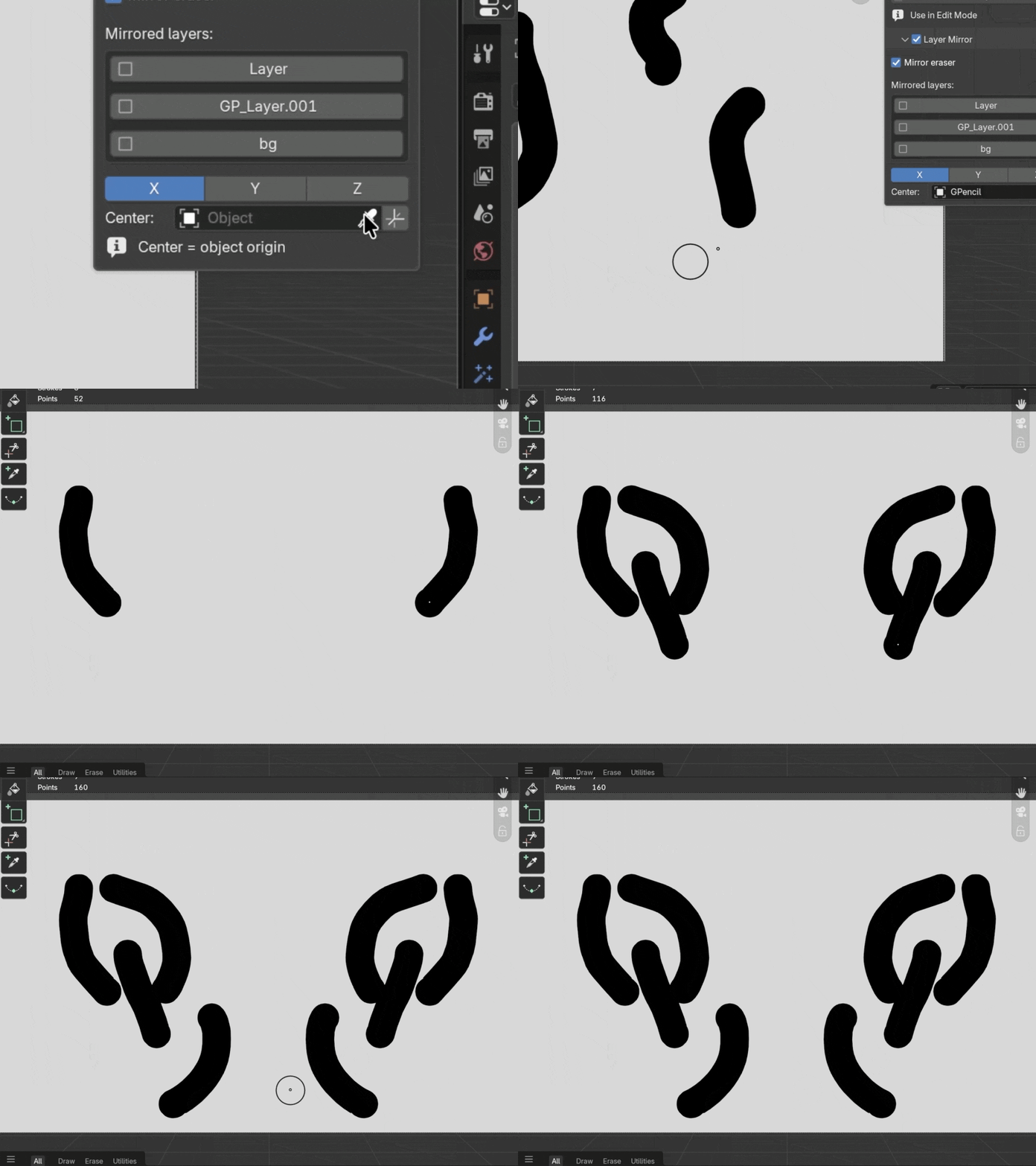
Mirror. Draw on one side and every new stroke is mirrored live, erasing included. You choose which layers get mirrored, the axis and the center: the object origin, or an Empty you can move anywhere.
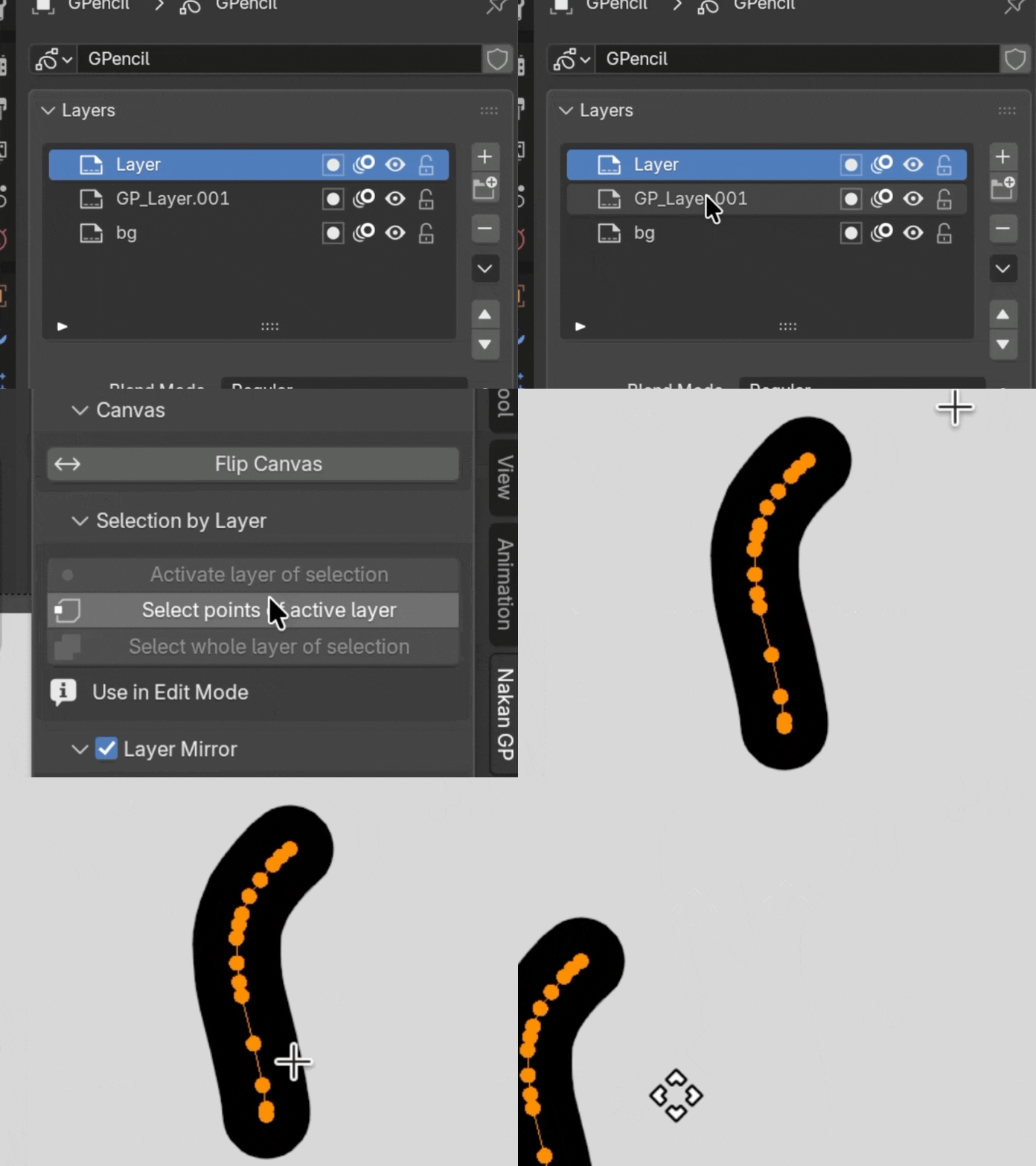
Select layer points. In Edit Mode, select every point of the active layer on the current frame, straight from the Layers panel menu.
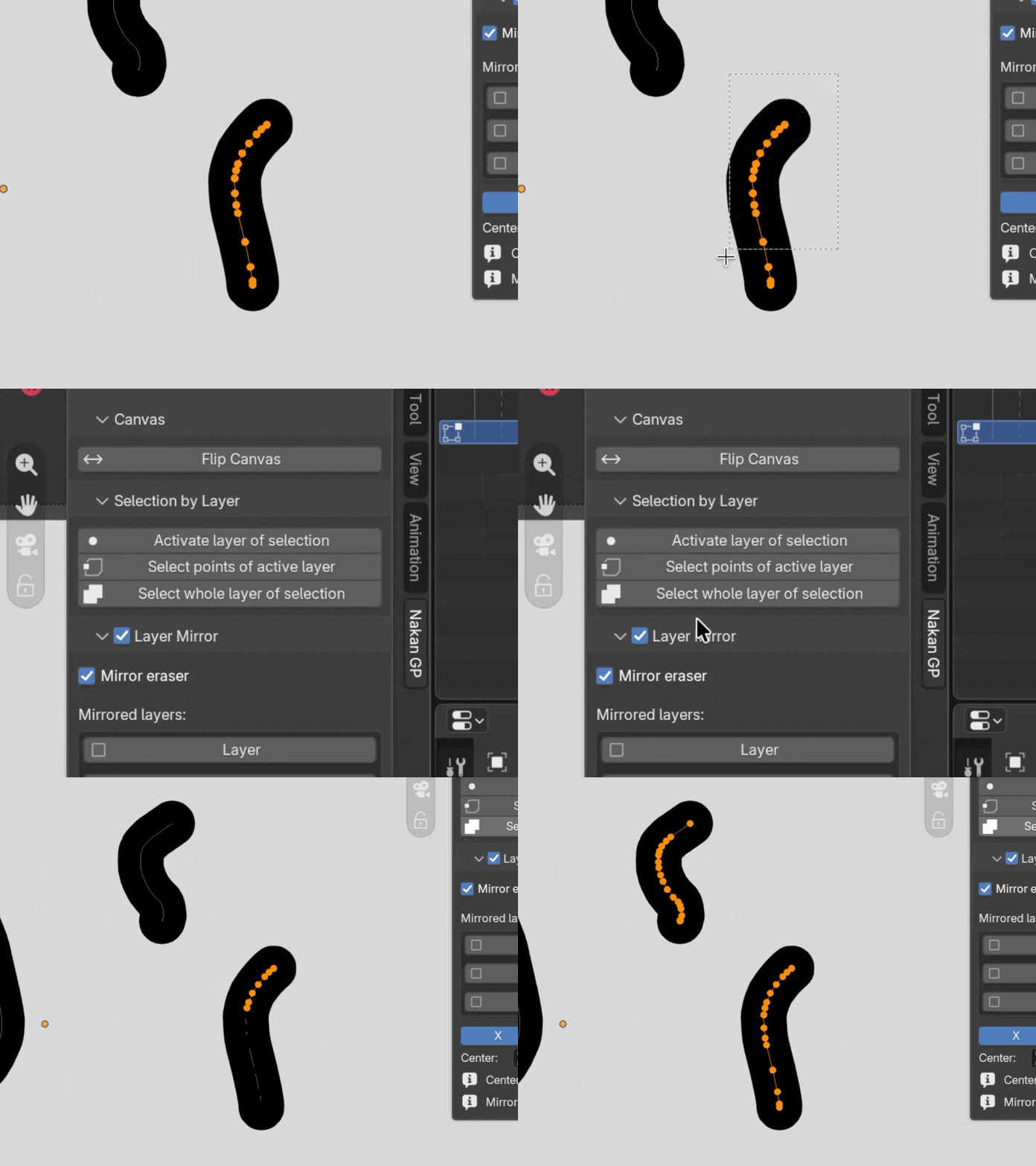
Select whole layer. Select a few points and right-click: Select Whole Layer picks every point of the layer they belong to, and Reveal in Layer makes that layer active. No more hunting for the right layer in the list.
How to use
- Select your Grease Pencil object and open Sidebar (N) > Nakan GP in the 3D View.
- Flip the canvas: in the Canvas panel, click Flip Canvas to see the drawing mirrored and check its proportions. Click it again to flip back. It flips the object's Scale X.
- Mirror while drawing: turn on the Layer Mirror panel with the checkbox in its header, tick the layers you want under Mirrored layers, choose the axis, and choose the Center: leave it empty to use the object origin, or click the Empty button next to it to create one at the 3D cursor and move it where you need. Then draw in Draw Mode and each new stroke is mirrored live. Erasing is mirrored too.
- Select by layer: in Edit Mode, select a few points and right-click. Reveal in Layer makes their layer active, and Select Whole Layer selects every point of that layer. Select All Vertices of Layer is in the Layers panel menu and selects the active layer at the current frame.
- Bonus: right-click any number field in Blender and choose Flip to multiply it by -1.
Requires Blender 4.3 or newer (the new Grease Pencil).