Daily Journal
A daily journal to write down your thoughts and ideas, rate your energy, and see the patterns over the weeks.
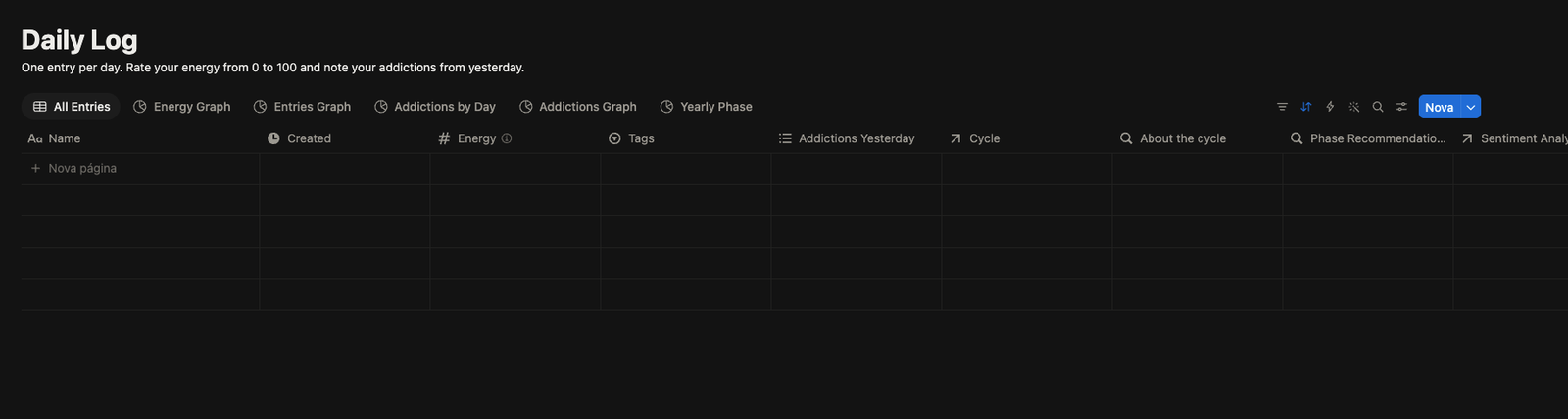
This is where I write every day. Some days it's a few lines about how I'm feeling, other days it's an idea, a memory, or something I'm grateful for. Along with the entry I give my energy a number from 0 to 100 and tick the addictions I fell into the day before.
After a few weeks the charts start showing patterns I wouldn't notice otherwise: which habits pull my energy down, and how long a rough phase actually lasts. And when I want to go back to a thought, it's all there, sorted by tag and theme. I hope it helps you too.
What's inside
- Daily Log: one page per day to write freely, with a tag for the kind of entry (Daily Entry, Memory, Reflection, Gratitude Journal, Work, Art…), your energy (0–100) and yesterday's addictions.
- Daily Entry template: a few short prompts (how am I today, what's on my mind, ideas, grateful for) so you never start from a blank page.
- Cycles: group days into phases (delivery anxiety, low energy, finding a new purpose…). Each cycle shows how many days it lasted, your average energy, and which addictions showed up.
- Personal Advices: advice you give yourself for each phase. Link it to a cycle and it shows up on every daily entry of that cycle.
- Sentiment Analysis: when a thought keeps bothering you, write it as a thesis, list the evidence for and against it, and decide if it holds up.
- Themes: link entries about the same subject so you can read them together later.
- Charts: energy over time, number of entries, addictions by day, most common addictions, and your phases over the year.
How to use it
- Open Daily Journal Template at the bottom of this page and click Duplicate (top right) to copy it into your Notion.
- Each day, click New in Daily Log. The entry opens with a few prompts: write whatever is on your mind, then set your energy and pick yesterday's addictions.
- Use Tags to mark the kind of entry (a memory, a reflection, a gratitude note), and Theme to link entries about the same subject.
- The tag, addiction and cycle options are the ones I use. Rename them or add your own in the property settings.
- When you notice you're in a phase, create it in Cycles, link the entries to it, and add a few Personal Advices for that phase.
- Every couple of weeks, open the chart tabs and look back.
 Daily Journal Template