Add Geometry Nodes Object
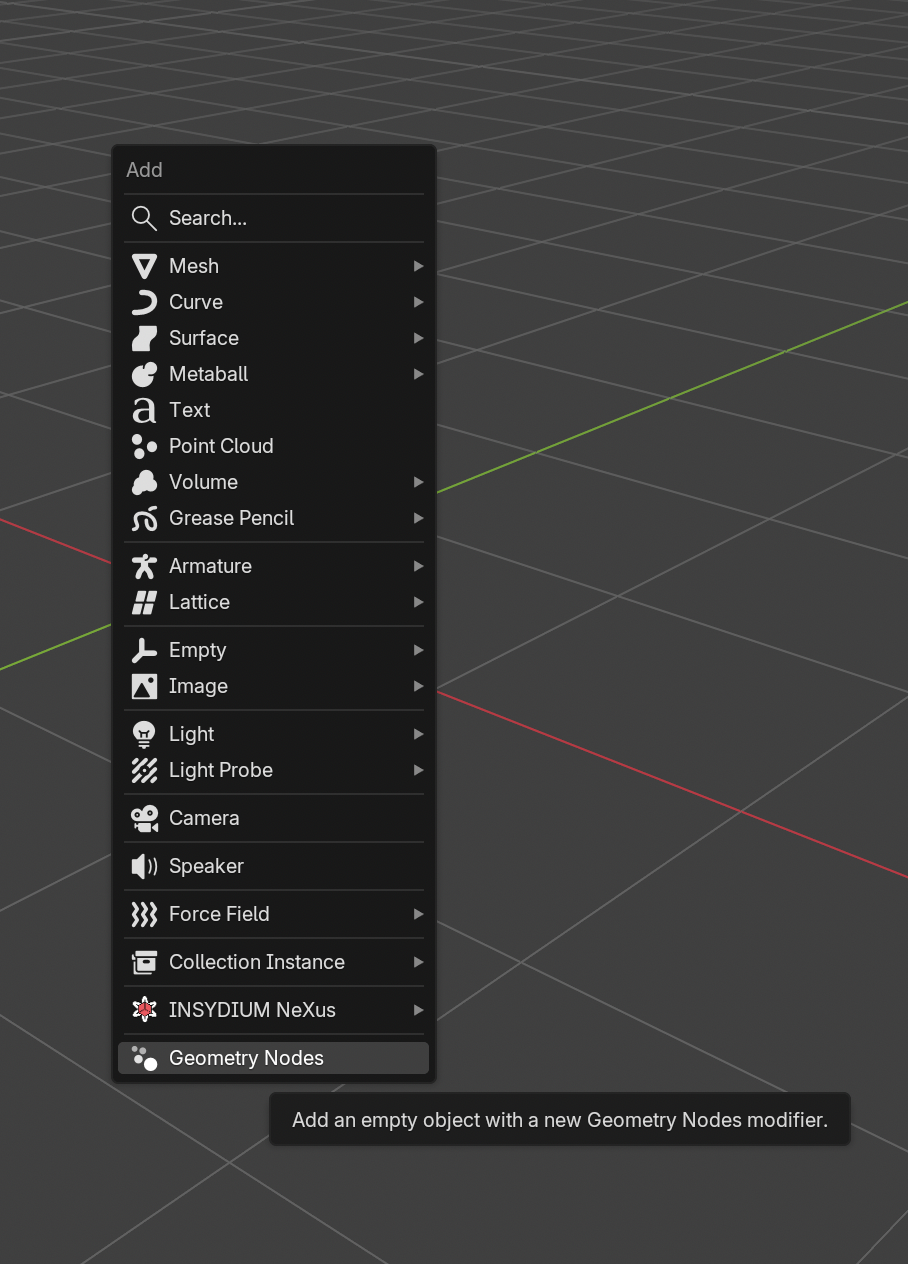
A simple Add > Geometry Nodes object. A few clicks fewer every time you start a node setup.
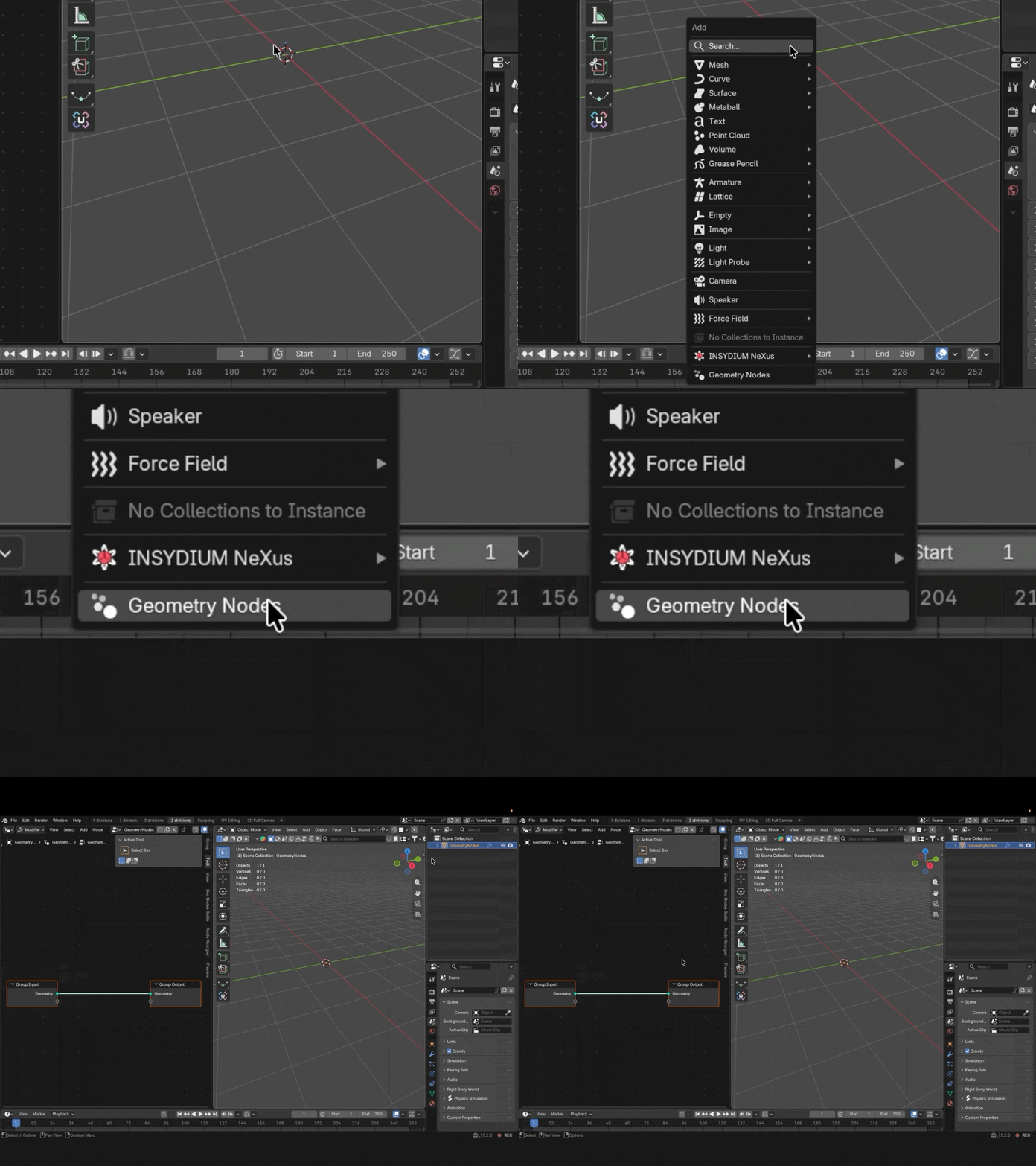
I think Blender should have a simple way to add a Geometry Nodes object directly. Starting from scratch usually means adding a cube, deleting its vertices, adding a modifier and clicking New. This does it in one step.
Download
add_geometry_nodes_object_1.0.0.zip1.21 KiB
Also on GitHub, with the source code and every release.
To install: Edit > Preferences > Add-ons > Install from Disk, pick the .zip and enable it.
How to use
- In the 3D View, press Shift+A and choose Geometry Nodes.
- A new object appears at the 3D cursor, with an empty mesh, a Geometry Nodes modifier and a fresh node group with Group Input already connected to Group Output. It's selected and active.
- Open a Geometry Node Editor and start adding nodes to the group.
- Rename the node group in the editor header if you want to reuse it later.
Requires Blender 4.0 or newer.