Art Library
A reference library for motion designers and animators, organized by motion, style, story beat, feeling and more.
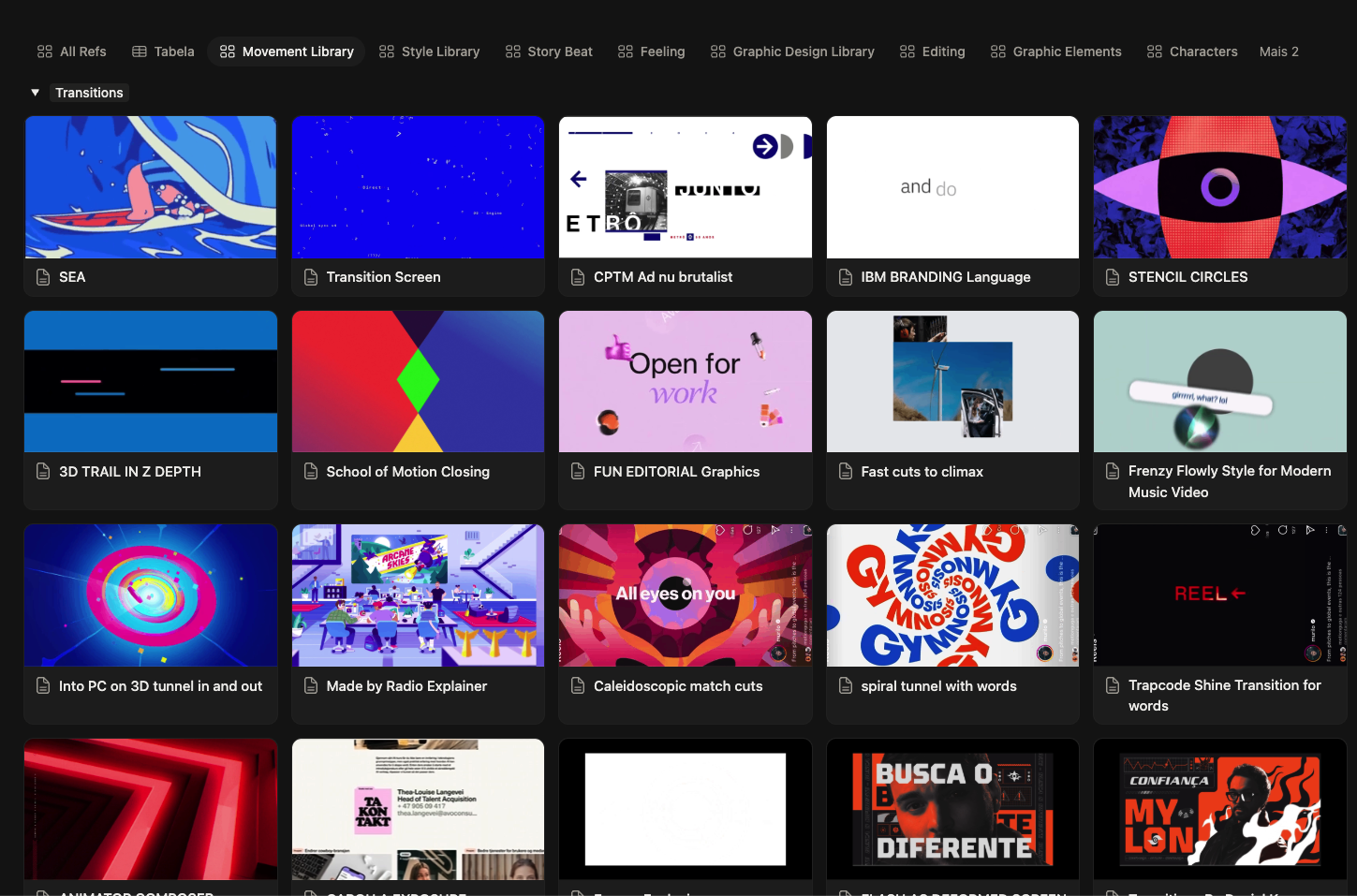
I've been collecting and tagging references since 2021, and this is the structure I ended up with. It started as a folder of saved links and turned into the place I go every time a new project starts: I filter by the kind of movement, the style or the feeling I need, and a board of ideas is ready in a few seconds.
This is the empty version of my own library, so you can start yours with the same categories. If you want to see it full, my personal library is public on my website.
What's inside
- References: one page per reference. Paste the image, GIF or video inside the page and it becomes the card cover.
- Categories: Field, Style, Motion, Elements, Character Animation, Character Design, Environment, Composition, Editing, Story Beat and Feeling. Tag as many as you want.
- Ready-made tabs: All Refs, Movement Library, Style Library, Story Beat, Feeling, Composition, Editing, Graphic Elements, Characters, Character Design and Environment. Each tab groups the cards by its category.
- Filter bar: combine categories on the fly, like "Text Animation" + "Elegant".
- Creators: save the artists and studios you follow and link them to their work.
How to use it
- Open Art Library Template at the bottom of this page and click Duplicate (top right) to copy it into your Notion.
- In References, click New, give it a name and paste the image, GIF or video link in the page body.
- Add the tags that describe it. Don't overthink it, you can always add more later.
- When a project starts, open the tab that matches what you need and use the filter bar to narrow it down.
- The categories are the ones I use as a motion designer. Rename, delete or add options in the property settings to match your field.
 Art Library Template